Getting Started
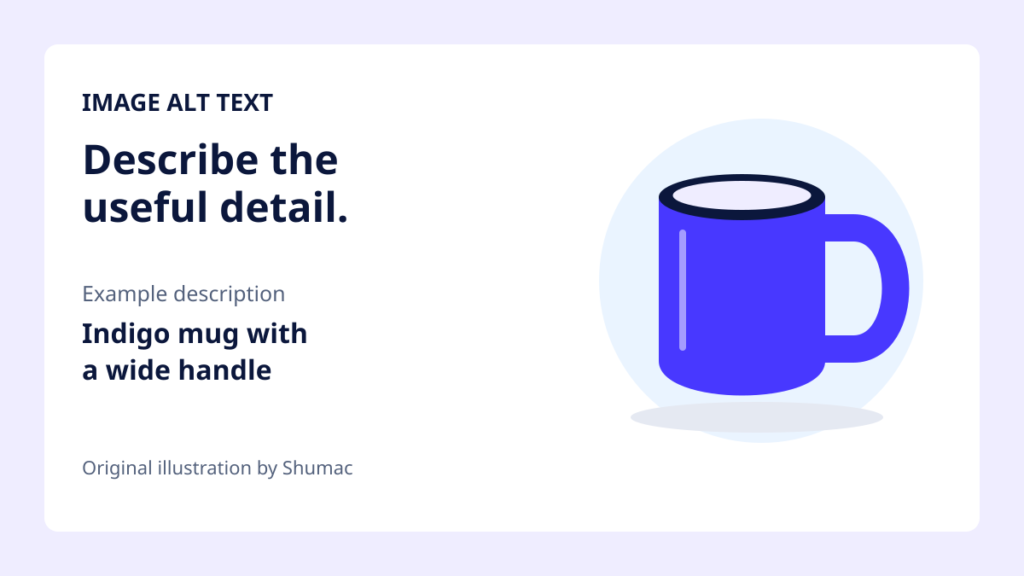
How to Add Alt Text to Images in WordPress
Learn how to add useful alt text in WordPress, choose decorative images correctly, and check existing posts separately from Media Library defaults.
Learn how to add useful alt text in WordPress, choose decorative images correctly, and check existing posts separately from Media Library defaults.
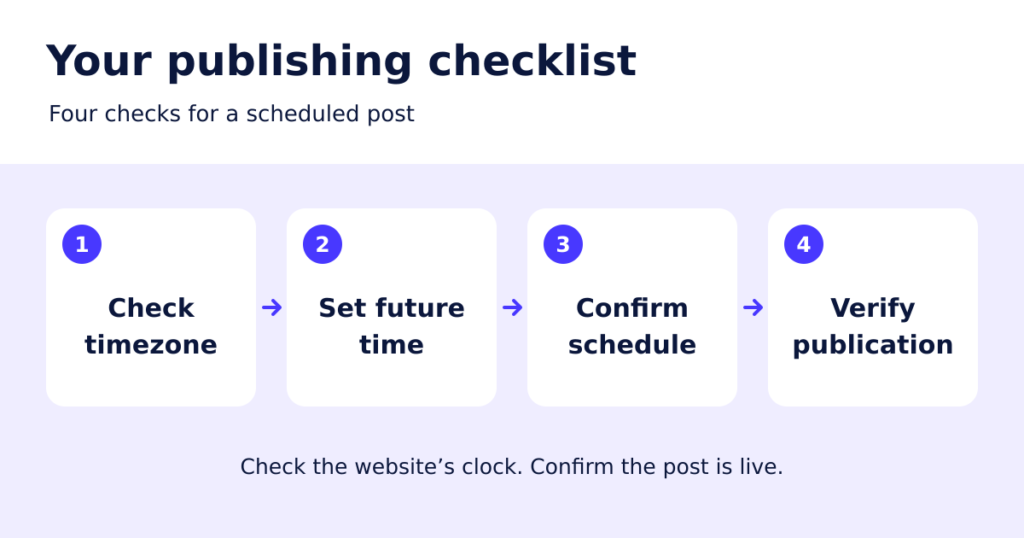
Learn how to schedule a WordPress post, check the site timezone, reschedule or cancel publication, and troubleshoot posts that miss their scheduled time.
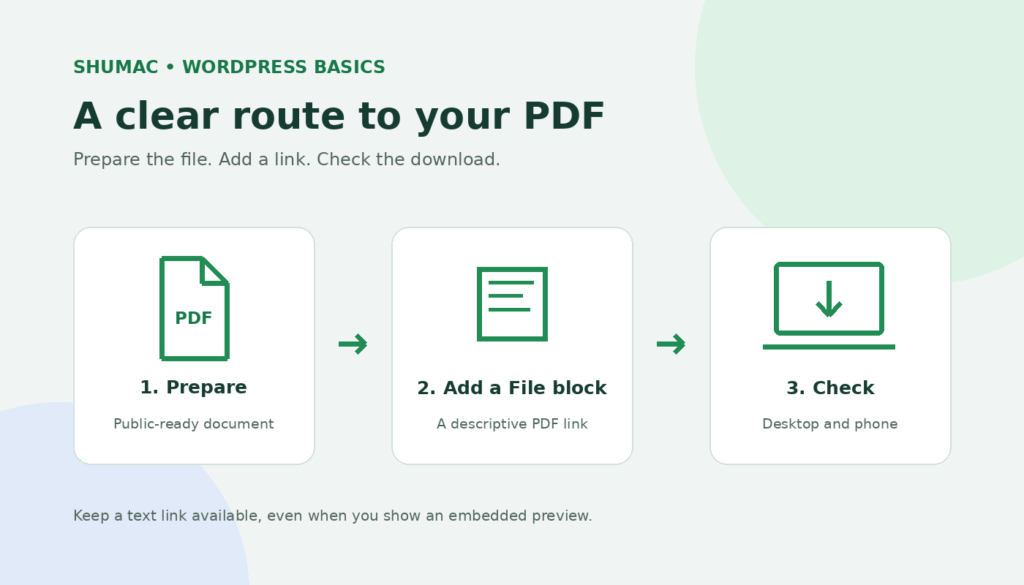
Add a PDF download to WordPress with the File block. Create clear labels, choose an optional preview, and check privacy, mobile access, and future updates.
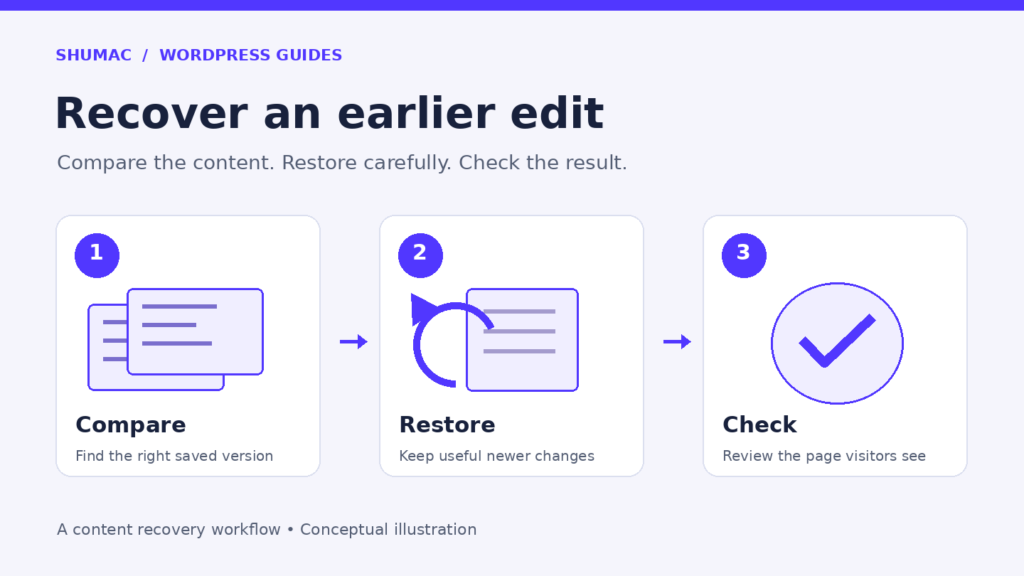
Recover lost WordPress edits with revisions. Compare saved versions, preserve newer changes, restore carefully, and check the live page.
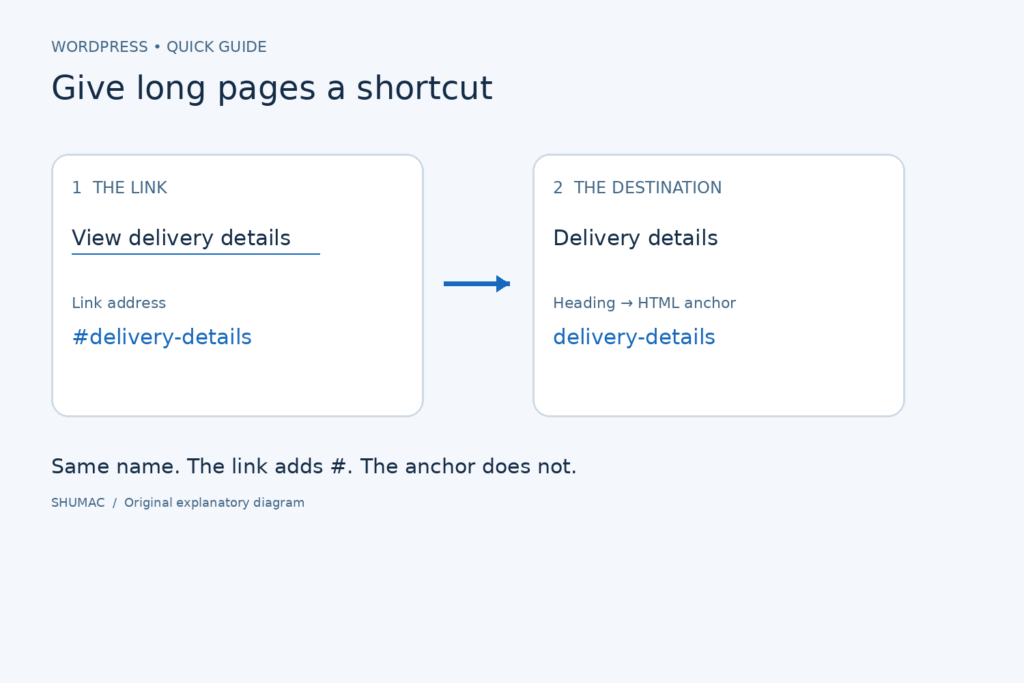
Help readers skip to the right section with WordPress jump links. Add a heading anchor, create a matching link, and check common mistakes before publishing.
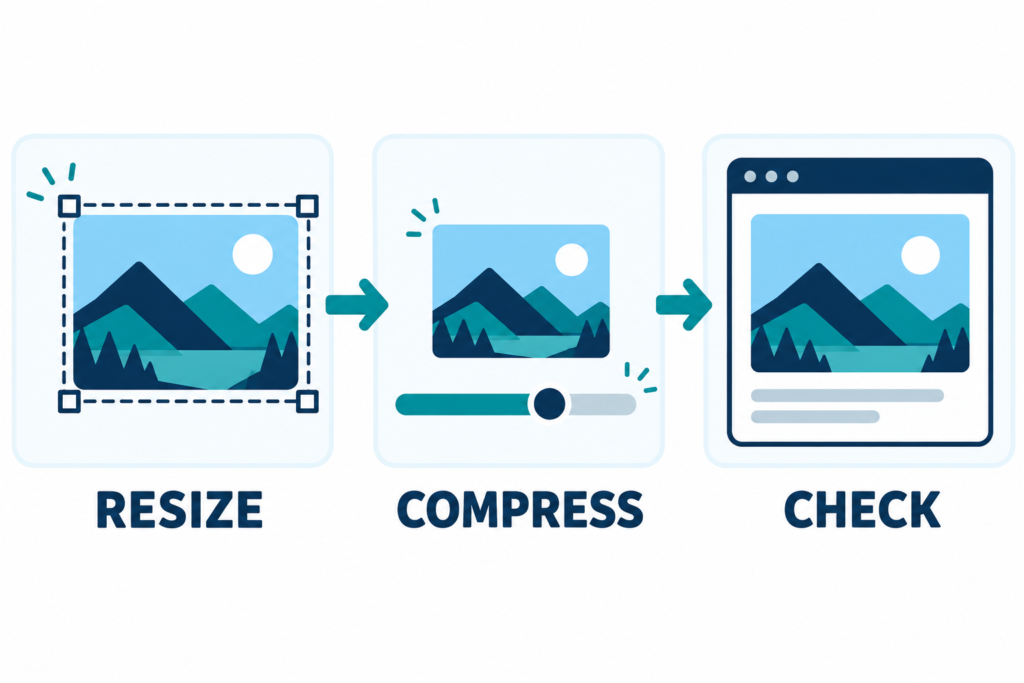
Prepare sharper, smaller images for WordPress: choose dimensions, compare file formats, compress carefully, write useful alt text, and check the result on mobile.
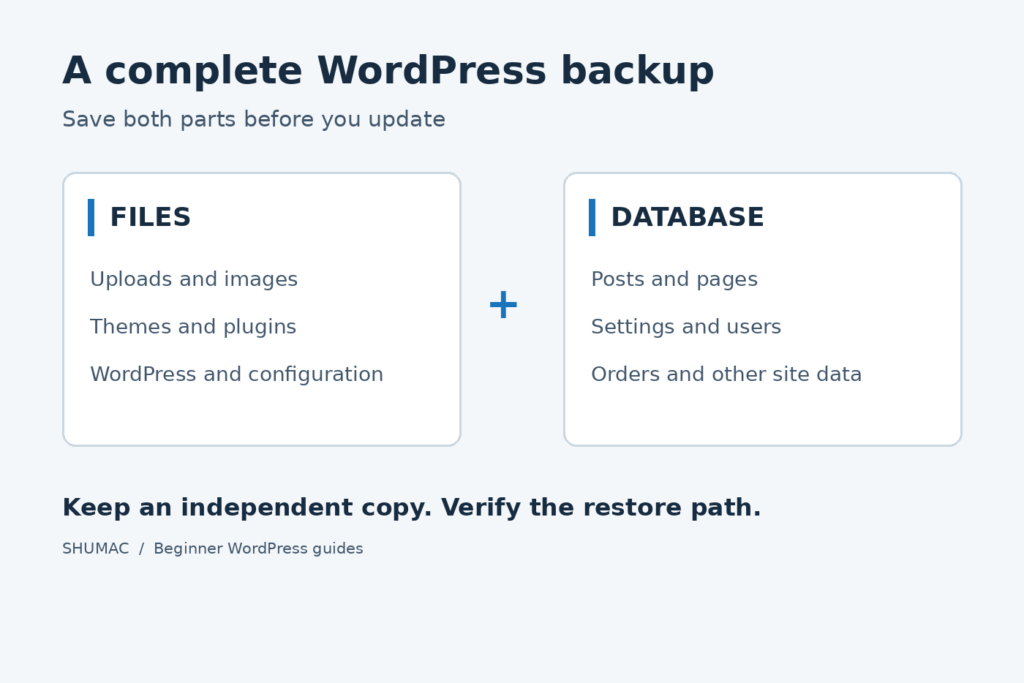
Learn how to make a complete WordPress backup before updates, protect your files and database, and check your recovery plan safely.

Practical tips for designing a clear, modern and responsive homepage with Elementor.

Learn how to connect WhatsApp chat to your website in a few practical steps.