Getting Started
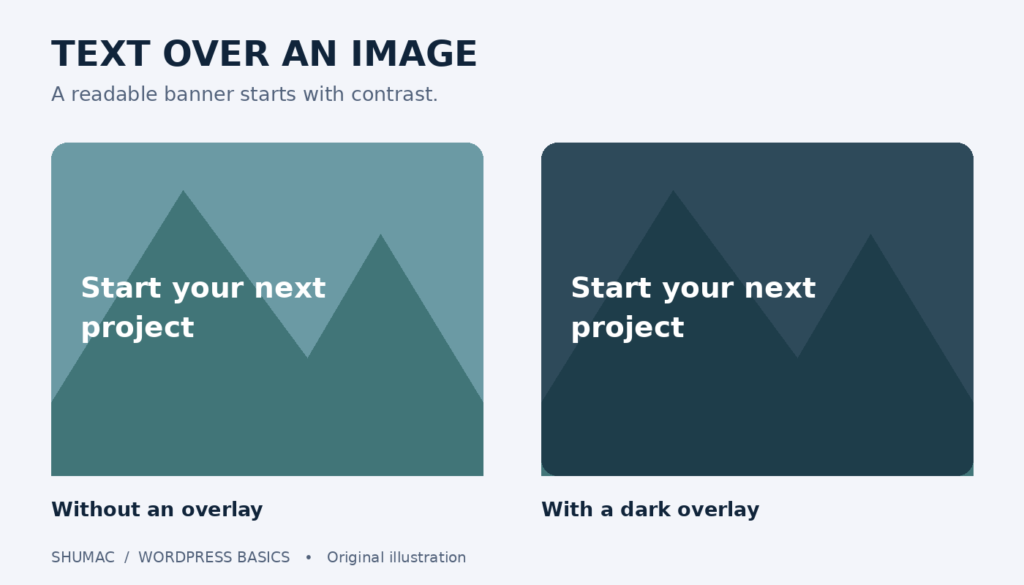
How to Put Text Over an Image in WordPress
Create a readable WordPress banner with the Cover block. Learn how overlays, focal points and mobile checks keep text clear over an image.
Create a readable WordPress banner with the Cover block. Learn how overlays, focal points and mobile checks keep text clear over an image.
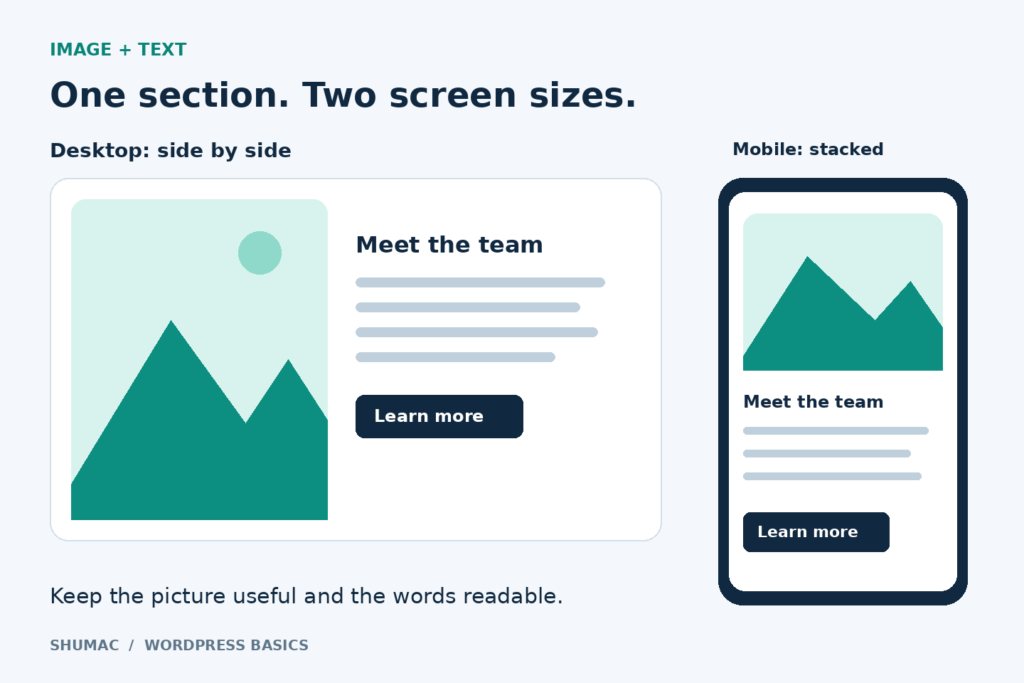
Place an image beside text with WordPress’s Media & Text block. Adjust the crop, enable mobile stacking and check the finished layout before publishing.
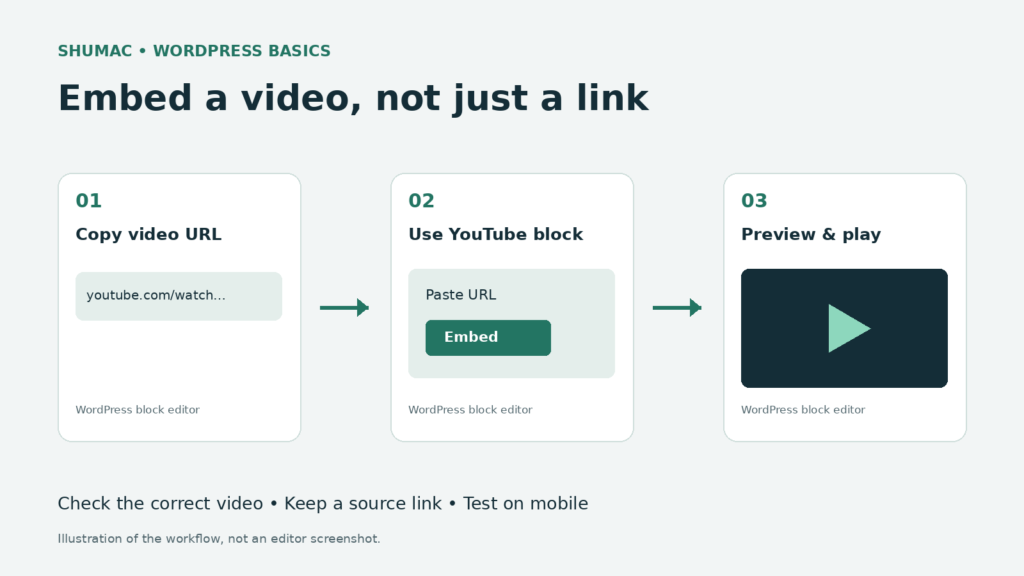
Add a YouTube player with the WordPress block editor, check mobile playback, and fix common embed problems without installing another plugin.
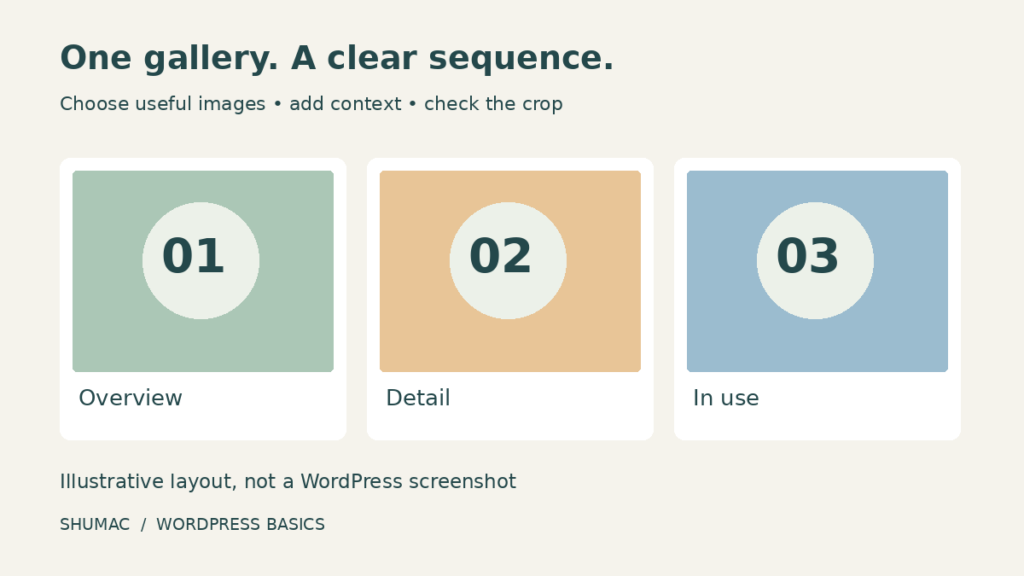
Create a WordPress image gallery without a plugin. Choose photos, arrange columns, add captions and alt text, and check crops and click behavior.
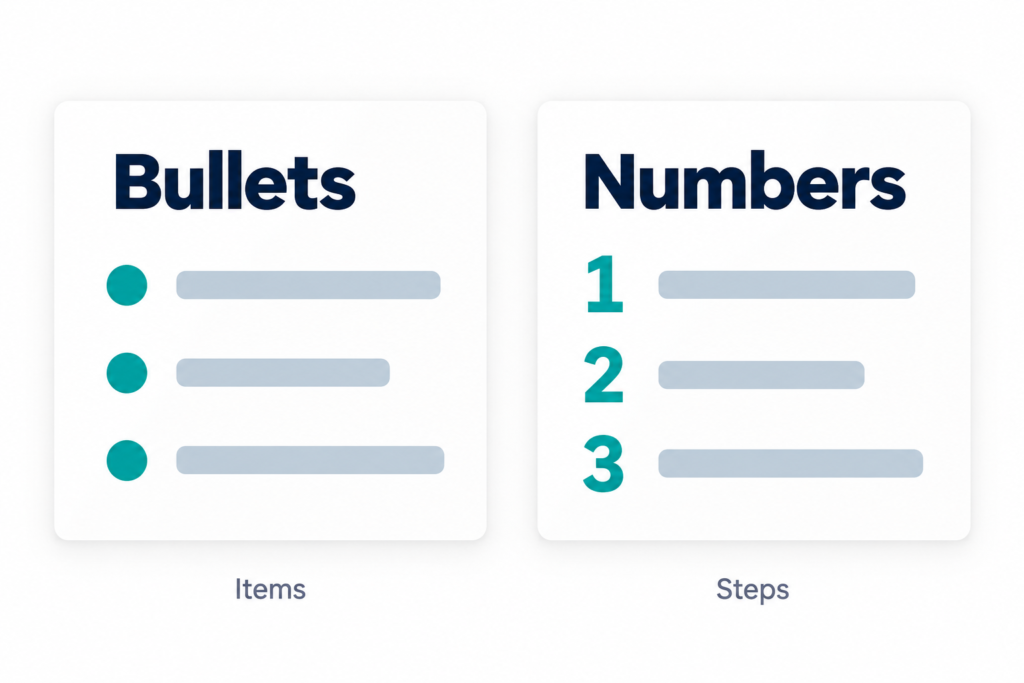
Learn to add bulleted and numbered lists in WordPress, choose the right format, fix indentation and check the result on a phone.
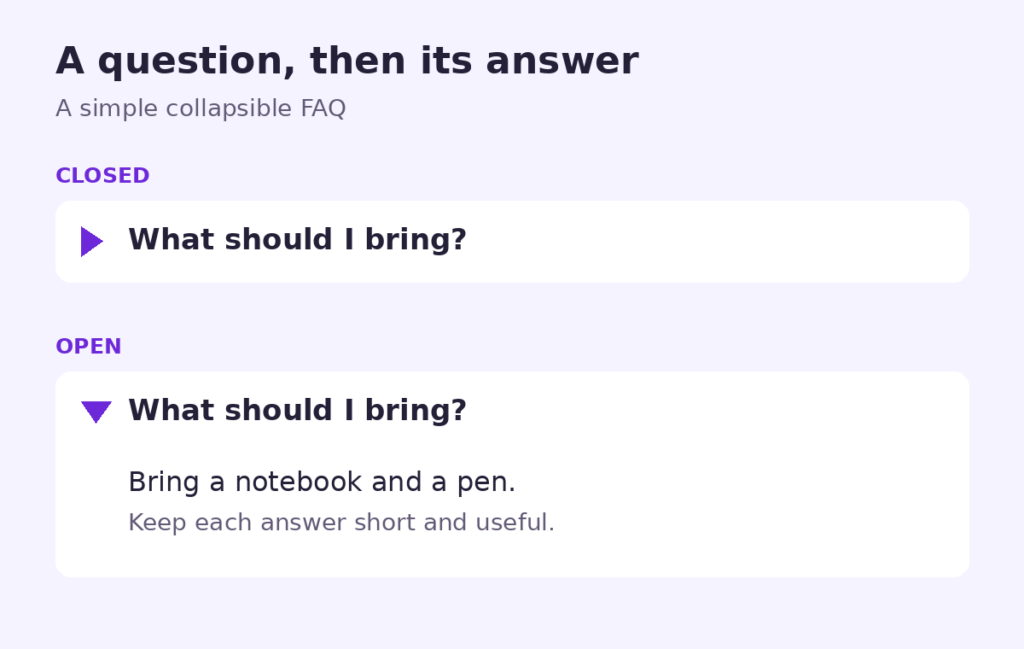
Add a collapsible FAQ with the WordPress Details block. Follow simple steps, write clear answers and check keyboard and mobile usability before publishing.
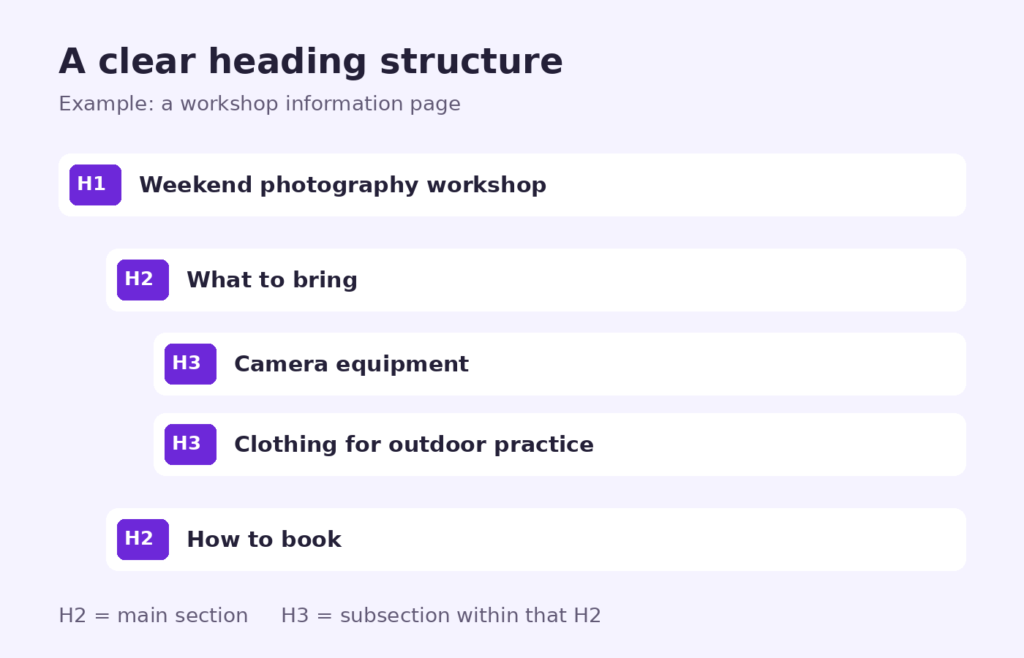
Learn when to use H2 and H3 headings in WordPress, add Heading blocks, check your outline and fix common formatting mistakes.

Learn to add a button in WordPress without a plugin. Choose a clear label, add the right link, and check keyboard access and mobile layout.

Learn to add a simple table in the WordPress block editor, label columns clearly, and check readability on desktop and mobile without another plugin.